

Contracting guide
How to read a contract opportunity page
A 10-minute checklist for reading federal opportunity notices: what the agency buys, who buys it, the deadline, set-aside, NAICS and PSC, and when not to bid.
Some screenshots and steps describe an earlier edition of GovGazette. Use Search to explore today's records.
The first 10 seconds
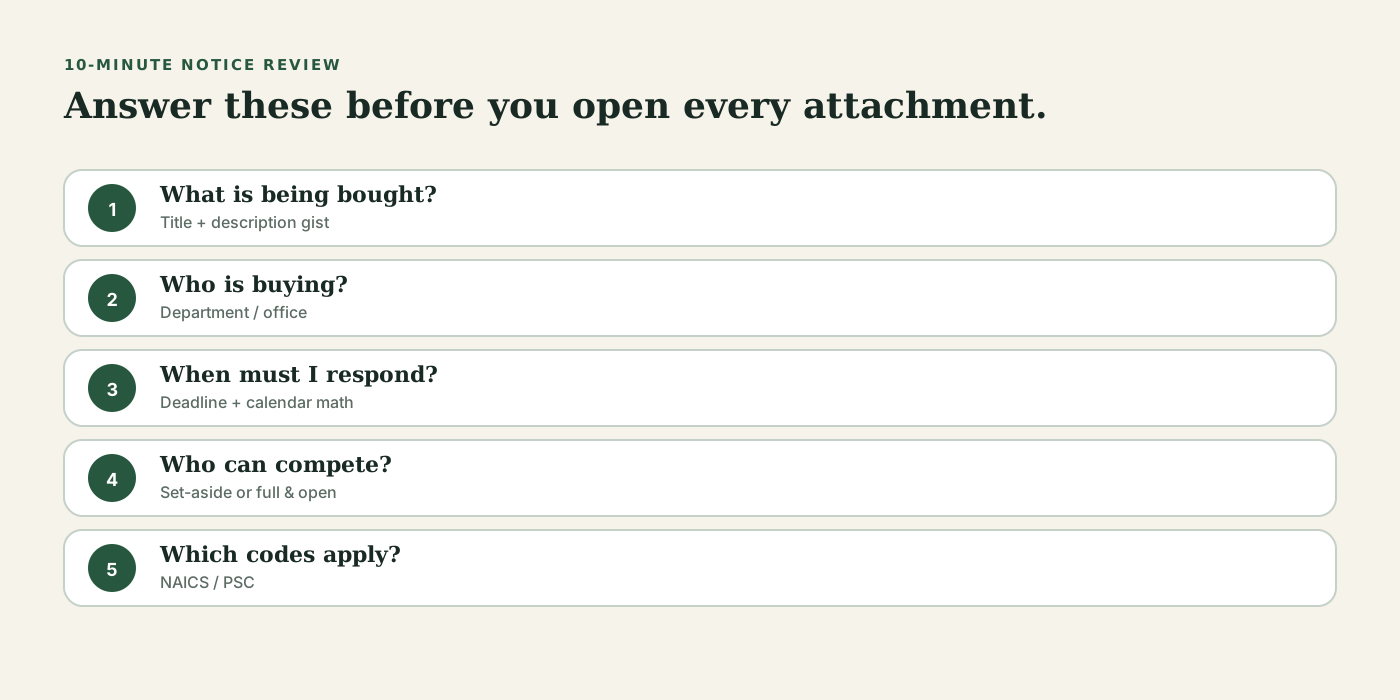
On a useful opportunity page, including GovGazette detail pages, answer these before you open attachments:
- What is the agency buying? (title and main point of the description)
- Who is buying? (department and office)
- When do I have to respond? (deadline and urgency)
- Who can compete? (set-aside or full and open)
- What industry codes apply? (NAICS and PSC)
Deadlines and closed states
Response deadlines set a firm limit. For a notice that closes soon, count the time for the proposal, Q&A cutoff, and team work.
Closed notices can show past demand. GovGazette keeps closed pages online and links them to similar open opportunities.
NAICS, PSC, and set-aside fields
NAICS identifies the industry and often its size standard. PSC classifies the product or service. The set-aside states who may compete. Open the reference library when you do not know a code.
- NAICS explainers: the NAICS industries reference
- PSC explainers: the Product & service codes reference
- Set-aside pages: /contracts/set-asides
Description vs attachments
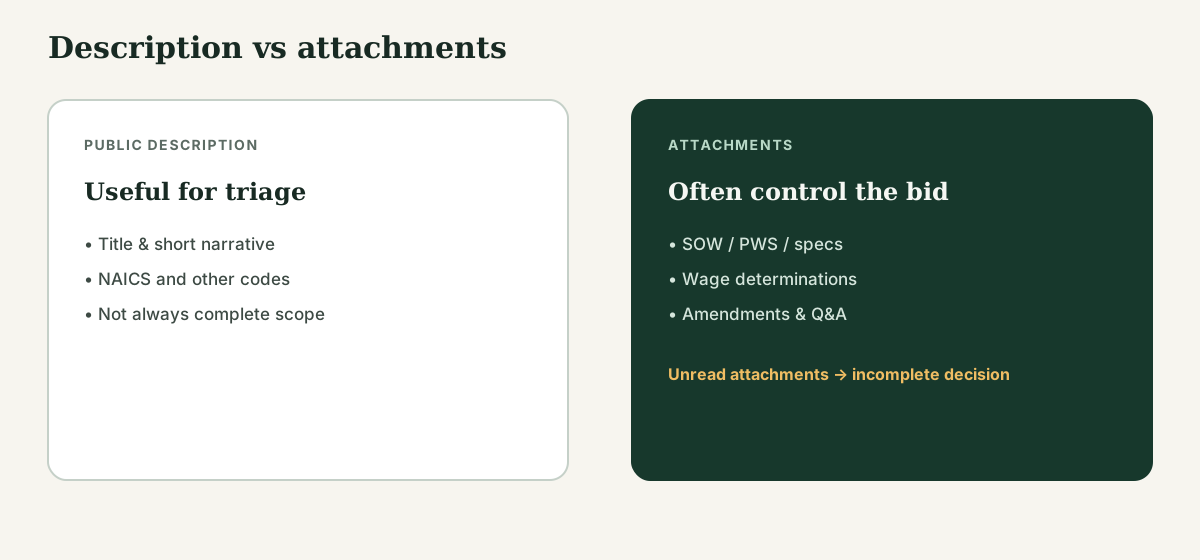
The public description is a start. Attachments often contain key requirements such as the SOW, PWS, specifications, and wage determinations. If they matter and you have not opened them, your bid/no-bid decision is incomplete. Mark the scope unknown.
Always open the official SAM link
GovGazette makes official opportunity data easier to read. Before you spend time or money on a proposal, open the official SAM.gov notice and check its versions, amendments, and attachments. GovGazette does not replace the source of record.
Practice on a real page
Open a live notice, answer the five questions, then choose pursue, investigate, or hold. Use the same questions for each notice.